WordPress Basic
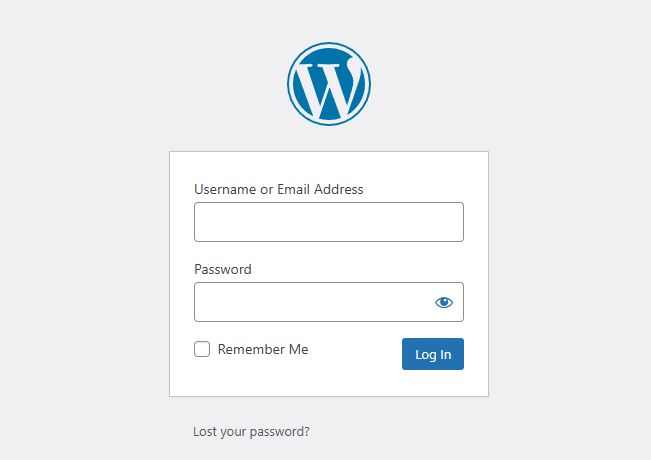
WordPress Login
To access the WordPress Content Management System (CMS), please get the username and password from the person in charge (PIC). The demosite admin URL usually end with /wp-admin.
Example: https://website.mydemobb.com/wp-admin
WordPress Dashboard
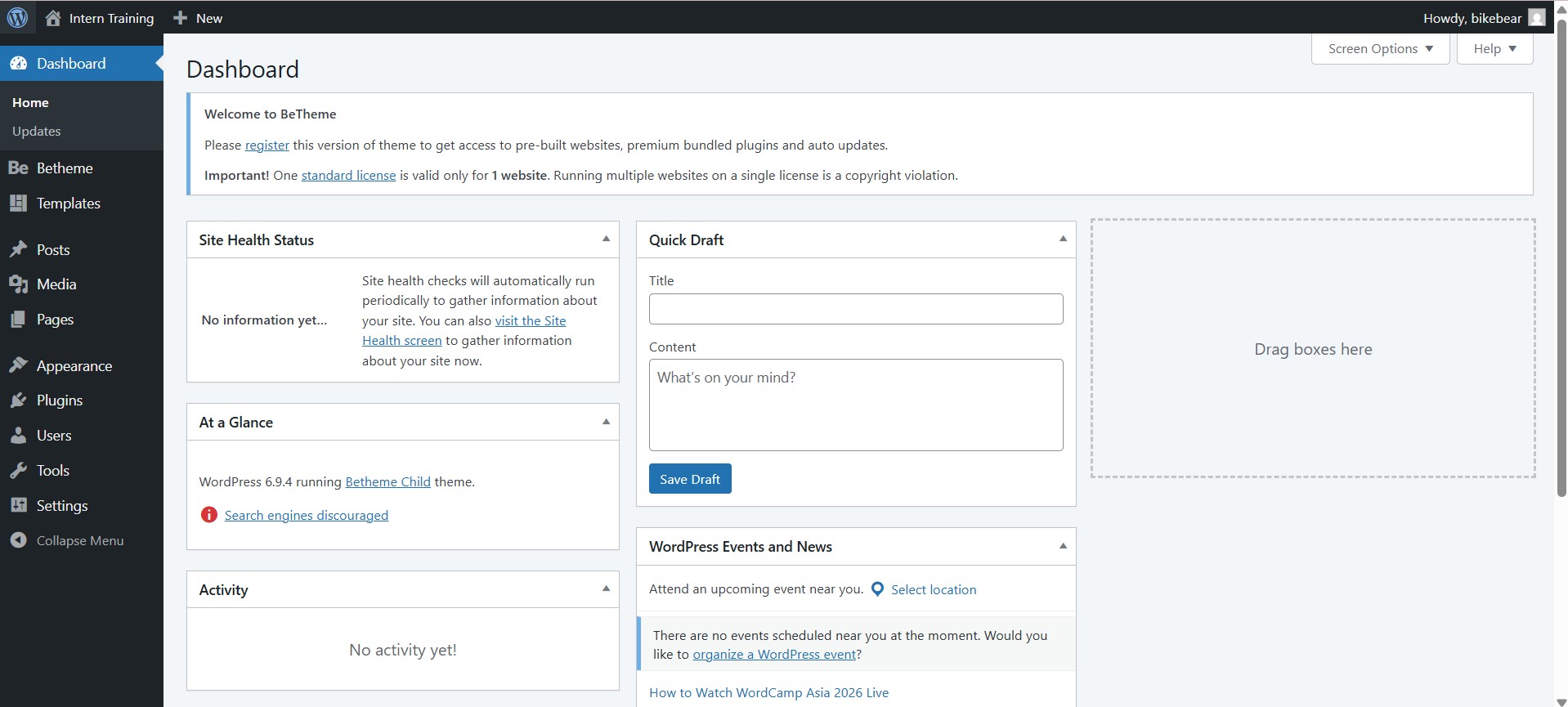
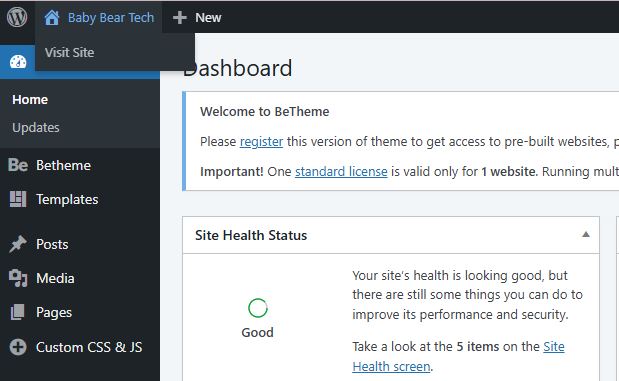
After login to WordPress, you will see this dashboard.
WordPress Dashboard Tabs
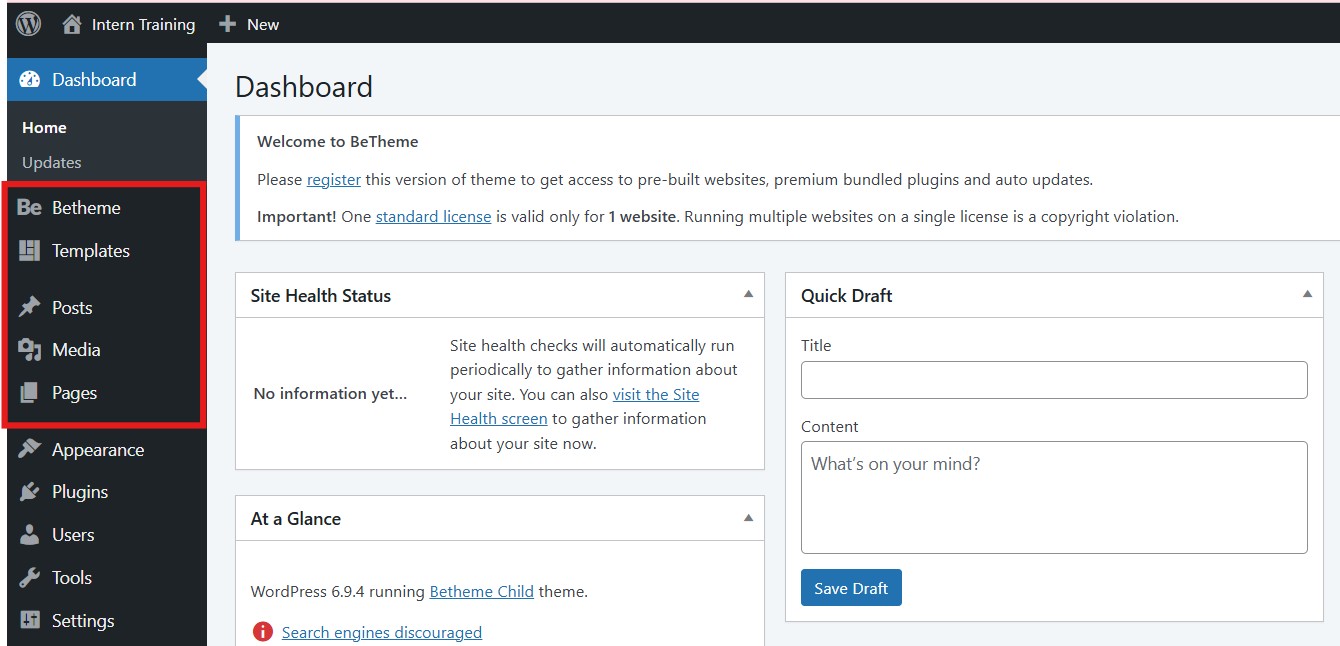
These are the WordPress tabs that you are going to use the most during your internship.
BeTheme, Templates, Posts, Media & Pages.
Visit Site
To view the website, click the "Visit Site" from the top left corner.
Set Homepage
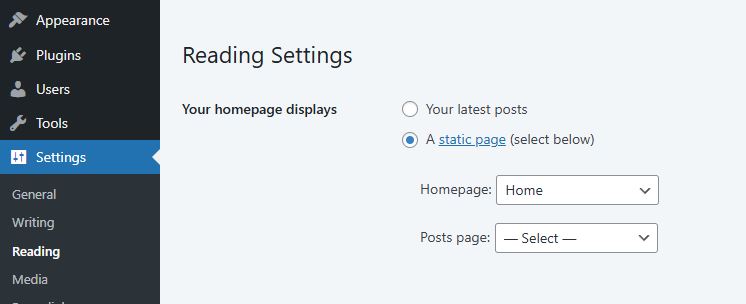
To set which page is Homepage, go to Settings > Reading
Menu
In your WordPress dashboard, hover over Appearance in the left sidebar, then click Menus. This opens the menu management screen where you can create and edit navigation menus.
Add menu from pages, posts, or custom links.
Pages: published page (e.g. Home, About, Contact)
Posts: Link directly to a blog post
Custom Link: Enter any URL — great for external sites
After adding items, they appear in the menu editor on the right. Drag each item up or down to set the order they appear in your navigation bar.
To make a dropdown submenu, drag a menu item slightly to the right so it appears indented beneath another item.
After done, click Save Menu
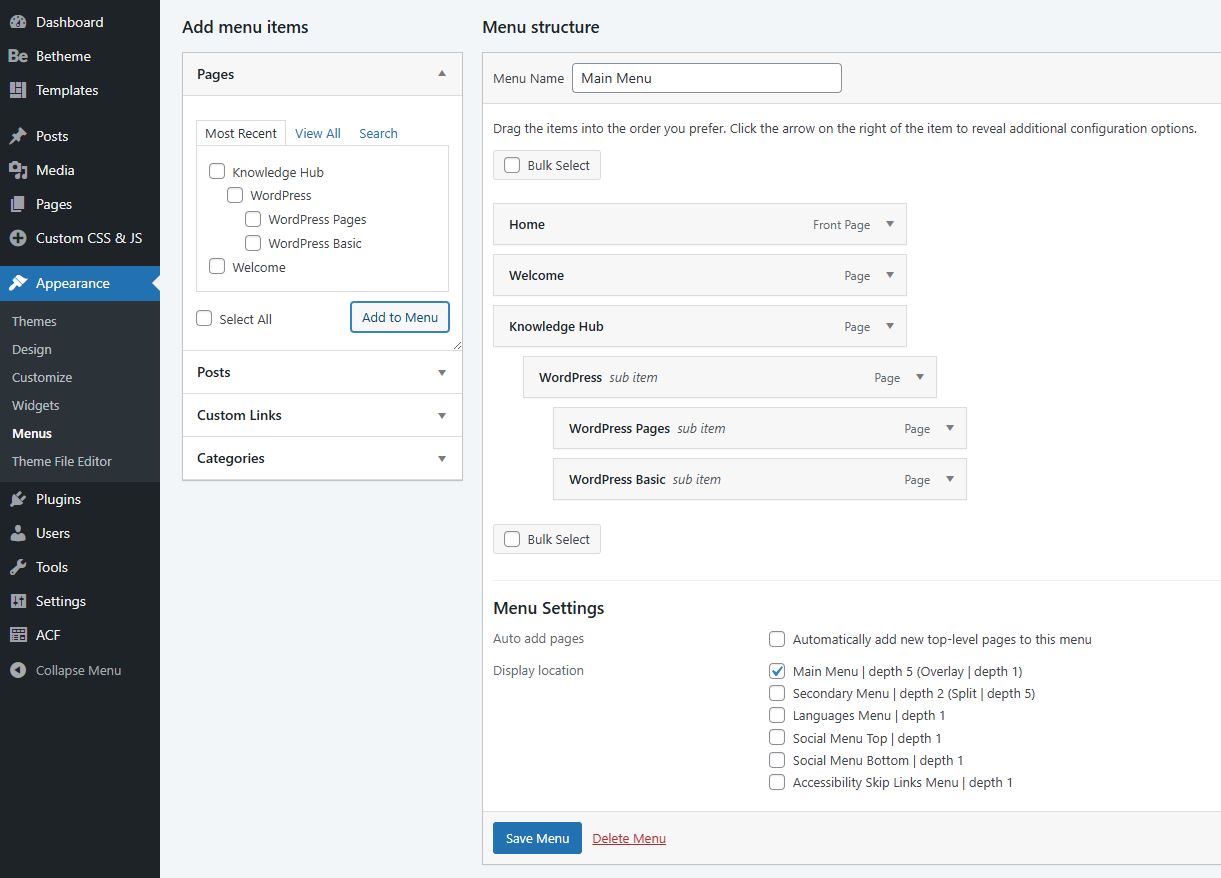
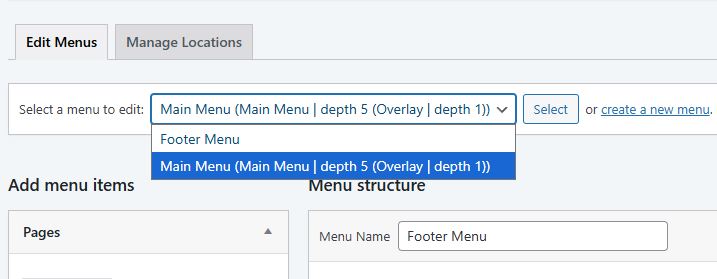
You can have more than one menu. For example Footer Menu.